Website Design vs Website Development: What’s the Difference?
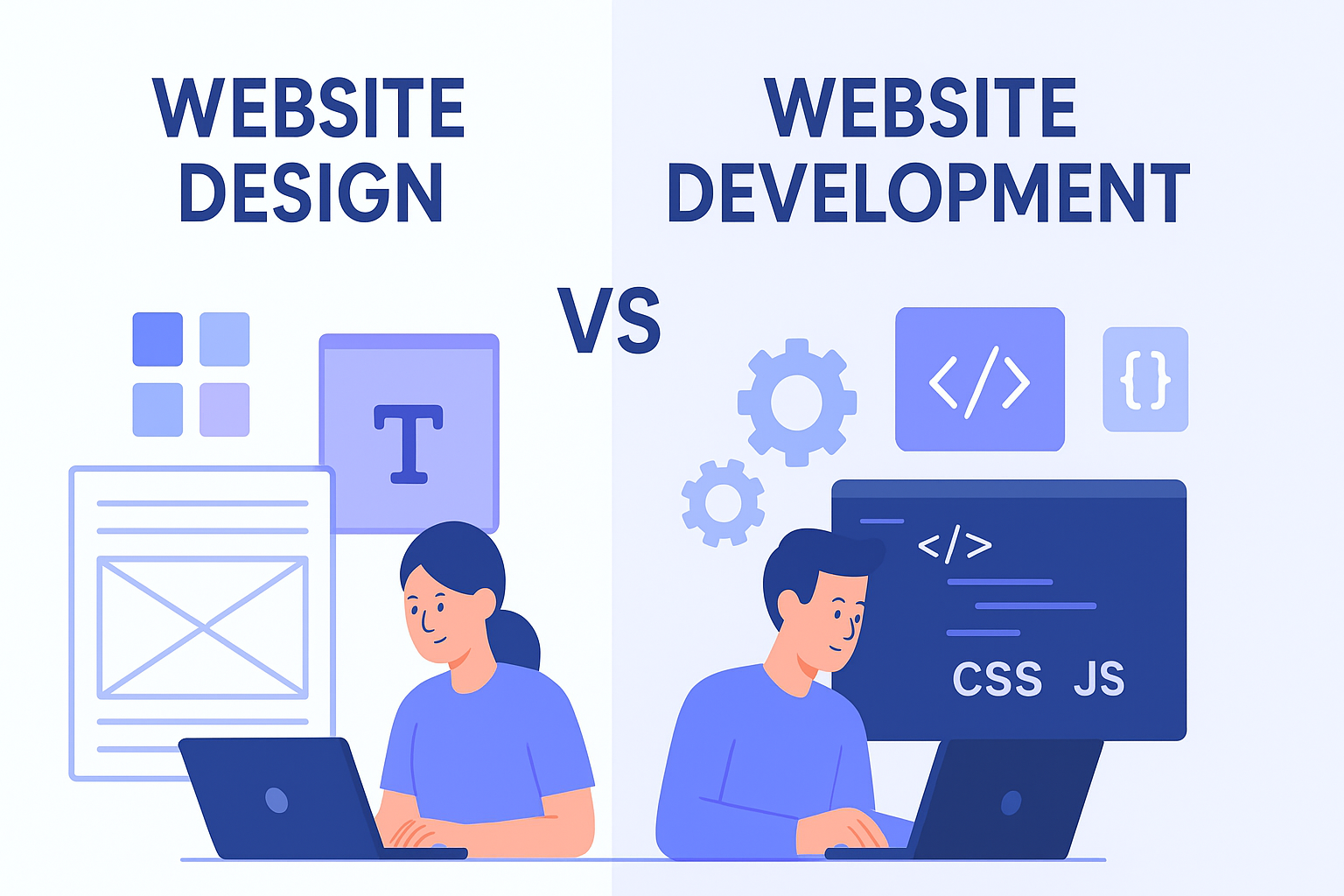
In the world of digital presence, the terms Website Design and Website Development are often used interchangeably. However, they refer to two distinctly different, yet mutually dependent, phases of building a website. Think of it like building a house: the designer creates the blueprint and chooses the aesthetics, while the developer is the construction crew that brings the plans to life.
Understanding the difference is crucial whether you’re hiring a team or starting your own digital project.
What is Website Design? (The Look & Feel)
Website Design focuses on the visual appearance, usability, and overall user experience (UX) of a site. A Web Designer is concerned with the aesthetic elements and how a user interacts with the content. This phase determines the site’s branding and emotional connection with the audience.
Key Responsibilities of a Web Designer:
| Aspect | Focus Area | Goal |
| User Experience (UX) | Site structure, navigation, and information flow (wireframing). | Making the site easy, intuitive, and efficient to use. |
| User Interface (UI) | Colors, typography, buttons, images, and visual hierarchy (mockups). | Ensuring the site looks appealing and the interface is clear. |
| Branding | Visual consistency with the company's logo, identity, and tone. | Maintaining a professional and cohesive brand image. |
| Accessibility | Ensuring the site can be used by people with disabilities (e.g., proper color contrast). | Creating an inclusive experience for all users. |
Simply put: Website Design is the planning, conceptualization, and aesthetics phase.
What is Website Development? (The Functionality & Code)
Website Development is the process of writing the code that turns the static design files (the "look") into a dynamic, functional website (the "engine"). A Web Developer builds, maintains, and ensures the site works efficiently and securely.
Web Development is typically broken down into two main areas: Frontend and Backend.
1. Frontend Development (The Client Side)
The Frontend Developer uses coding languages (HTML, CSS, JavaScript) to implement the Web Designer's visual design. They build everything a user directly sees and interacts with in their browser.
-
HTML (HyperText Markup Language): Provides the basic structure and content.
-
CSS (Cascading Style Sheets): Controls the styling, layout, and visual presentation.
-
JavaScript: Adds interactivity, animations, and complex features.
2. Backend Development (The Server Side)
The Backend Developer works on the components that users do not see. This involves managing the server, application logic, and database. They ensure the site's functionality, such as user logins, payment processing, data storage, and smooth communication between the browser and the server.
-
Languages: Python, PHP, Ruby, Java, Node.js.
-
Databases: MySQL, PostgreSQL, MongoDB.
Simply put: Website Development is the coding, programming, and implementation phase.
SEO and the Overlap: Why Both Matter
For a truly successful website, Design and Development must work together, especially concerning SEO (Search Engine Optimization).
| Focus Area | Website Design's Role (UX) | Website Development's Role (Technical SEO) |
| Speed | Using optimized images and a minimalist layout. | Writing clean, efficient code; configuring server caching and hosting. |
| Accessibility | Designing clear color contrast and text hierarchy. | Ensuring proper HTML structure (semantic markup) and ARIA attributes. |
| Responsiveness | Creating layouts that look good on all screen sizes (mobile-first). | Implementing CSS Media Queries and flexible layouts to ensure smooth scaling. |
| Navigation | Designing intuitive menus and clear calls-to-action (CTAs). | Creating an optimal URL structure and generating a clean XML Sitemap. |
A beautiful design built on slow, messy code will rank poorly. Similarly, technically perfect code with a confusing interface will have a high bounce rate. The best results come from a cohesive strategy where design choices facilitate development, and development adheres to design standards.
🔑 Key Differences at a Glance
| Feature | Website Design | Website Development |
| Primary Goal | How the site looks and feels (Aesthetics & Usability). | How the site functions (Implementation & Logic). |
| Output | Wireframes, Mockups, Prototypes (Images, Files). | Functional Code, Databases, Server Configuration. |
| Tools Used | Figma, Sketch, Adobe XD, Photoshop. | HTML, CSS, JavaScript, PHP, Python, React, Angular. |
| Focus | User Experience (UX) and User Interface (UI). | Technical Implementation, Performance, and Security. |
| Core Question | “How will the user feel?” | “How will the system work?” |